
There are two different ways to delete one of your existing Scratch Orgs.
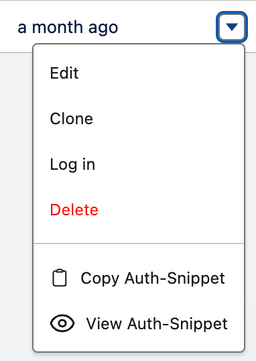
From the list view
From the detail view
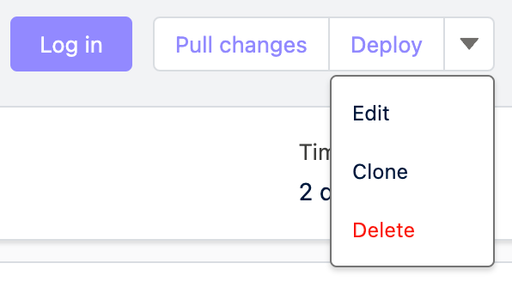
Alternatively, you can delete a Scratch Org’s from inside its detail view (which you can access by clicking on the Scratch Org’s name in the list view).
Deleting a Scratch Org is permanent, so be sure you’ve completed and/or saved all the work you’ve done in it before you delete it!