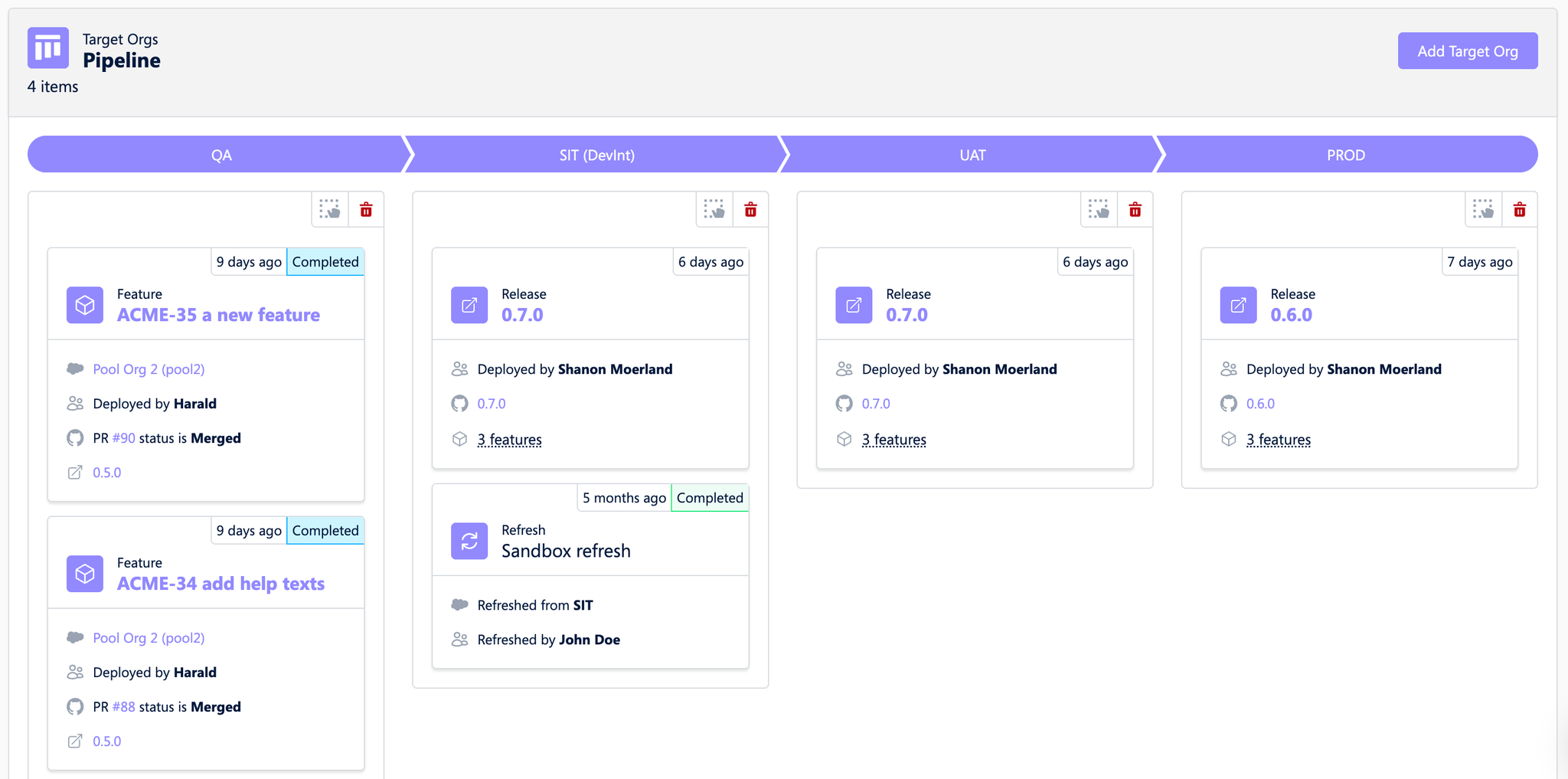
In your Git provider, configure the “Squash” commit strategy for pull request merges. This ensures a clear and concise representation of Hutte features in the Release visualization.
In the Hutte project setup, add the target organizations by selecting the relevant sandboxes and production environments where deployments will take place.
Navigate to the Pipeline tab and bring the target organizations to the desired order. A suggested sequence might be: INT → QA → UAT → Production.
In the Pipeline view, click on each organization to grant deployment permissions to the appropriate team members.
Create an initial (draft) release and test it by performing deployment or validation deployments to sandboxes like INT or UAT.
Once satisfied, publish the release. After publishing, you can deploy the release to Production. Refer to Hutte Deployment Best Practices for a detailed guide.
Additionally, you can deploy individual Hutte features to any organization. To do this, navigate to an existing Hutte feature with an associated commit and click the “Deploy” button.