
- To change a member’s permissions, open the “Members” tab from your main organization dashboard.
- Click on the arrow at the far right side of the member’s entry row. You’ll see two options, enabling you to allow or disallow the member:
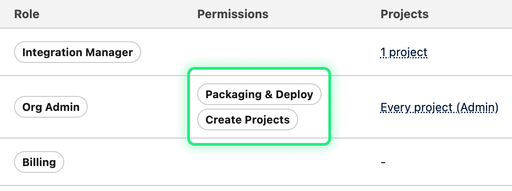
- To package and deploy changes to Git through Hutte
- To create new projects in your Hutte organization
- After clicking one of the options, you should immediately see the updated permissions reflected in the member’s entry row, under “Permissions”.
To learn about more granular deploy permissions, check Deploy permissions on Target Orgs