
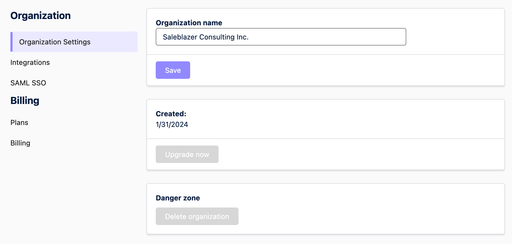
The first tab under your Org Settings contains three options which affect your whole Organization.
Organization name
Here, you can rename your Organization by typing the new name into the text field and clicking “Save”.
Created date
This section shows the date that your Organization was created, and also includes an option to upgrade your plan if you are on the Free plan.
Danger zone
Here, you can delete your Organization completely, as long as you have the necessary permissions to do so. Type your Organization’s name into the text field, and click “Delete”. This action is irreversible, so be careful!