
Once you’ve created or picked a Scratch Org from the Pool, you can access it or share it with your team members to begin working with it.
Accessing your Scratch Org
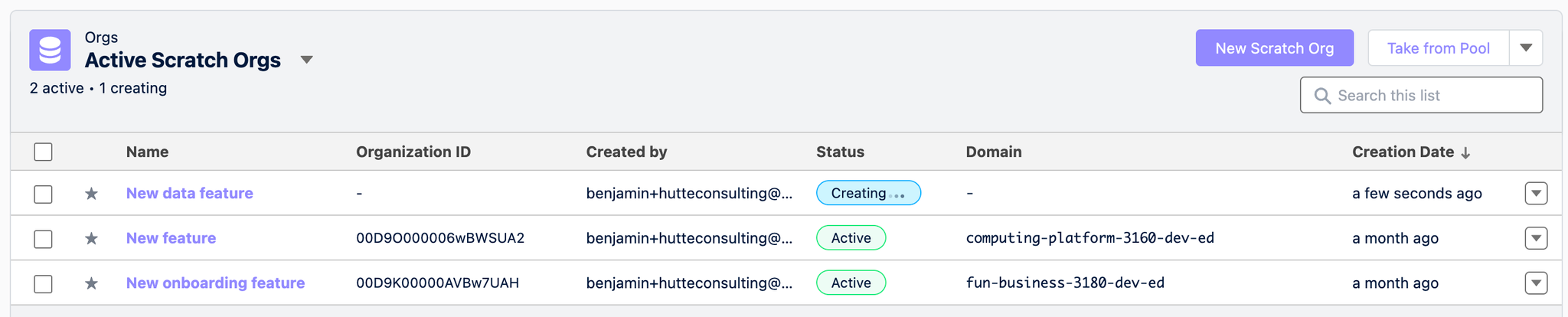

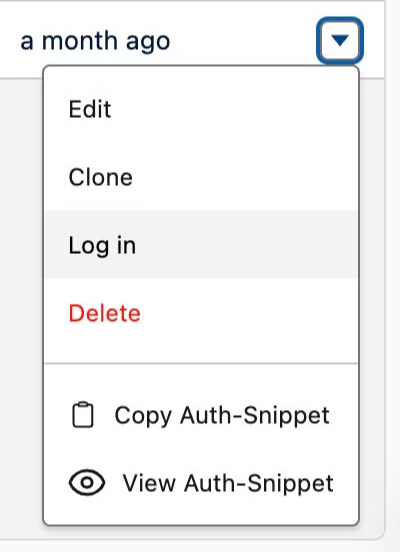
You can also log in to your Scratch Org via the options in the drop-down menu on the right-hand side of your Scratch Org’s list view row.
Sharing your Scratch Org
Using a Scratch Org with Hutte allows you to make your work more accessible to your team members. For instance, it facilitates acceptance testing before integrating, persisting, and shipping a feature.
If you prefer code, you can also easily connect your IDE to your Scratch Org.
In the Scratch Org detail view, click "View auth snippet," then copy and run the code from a terminal.
You have now established a connection and can start pushing and pulling source with SFDX.
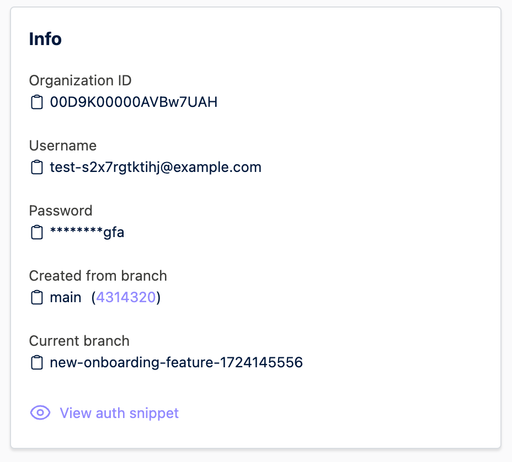
You can also view and copy the auth snippet via the options in the drop-down menu on the right-hand side of your Scratch Org’s list view row or from the Scratch Org detail view.
Pulling changes from your Scratch Org
Once you’ve performed your work in your Scratch Org, click on "Pull changes" in your Scratch Org’s detail view.

You can learn more about pulling changes through Hutte here.