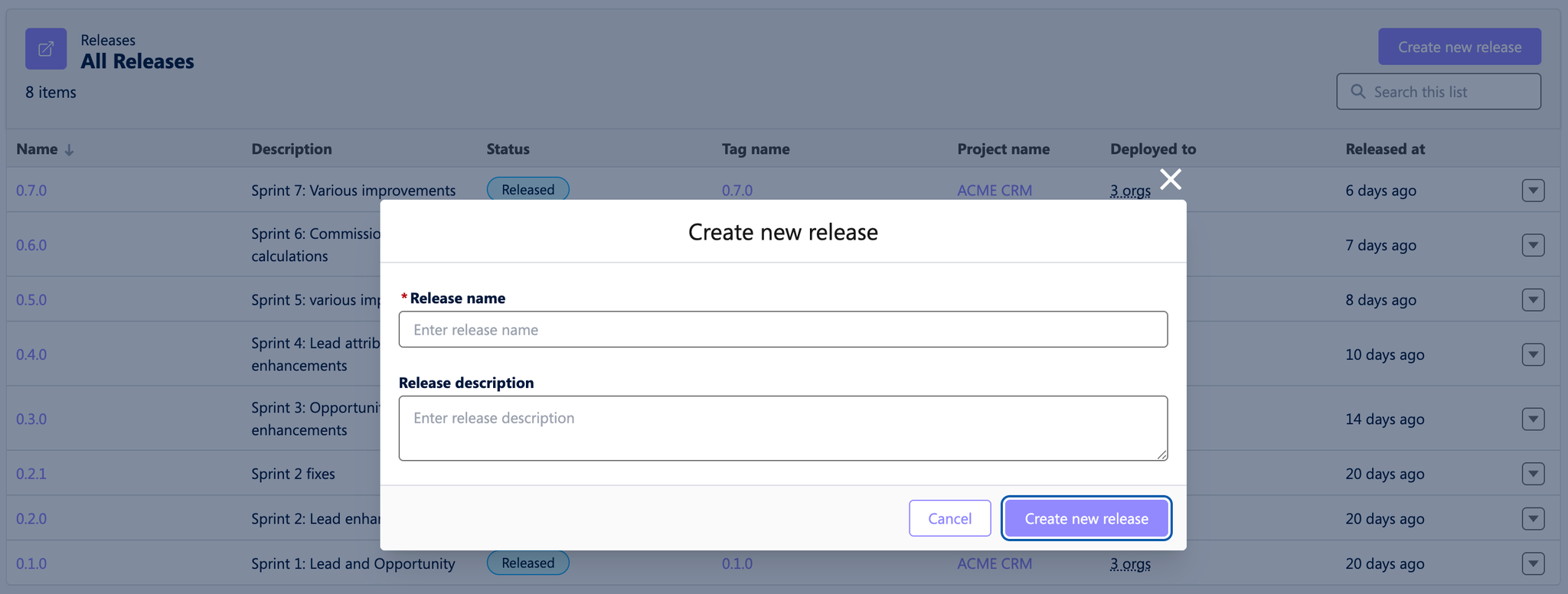
New releases can be created from the “Releases” Tab once the previous release has been published. There’s no need to wait until all features which are scoped for a release are ready or completed. Instead, you can create a draft release and keep it open while the necessary features are being worked on and finalized.
The created release will automatically include all pull requests (features) merged since the last release. This includes Hutte features merged even after the release is created as a draft, as the release will update dynamically.
The content of the release can be modified. You can set a cutoff point to exclude features merged after a specific point. For example scenarios, refer to Release Scenarios.
The release detail page which you reach by clicking on a release name includes a “revert” functionality, allowing you to remove a specific feature if needed. For instance, if a feature was merged too early, you can revert it to exclude it from the release. Detailed examples are covered in Release Scenarios.