
To make changes to the members that are assigned to a particular project, navigate to the "Members" tab from that project’s dashboard.
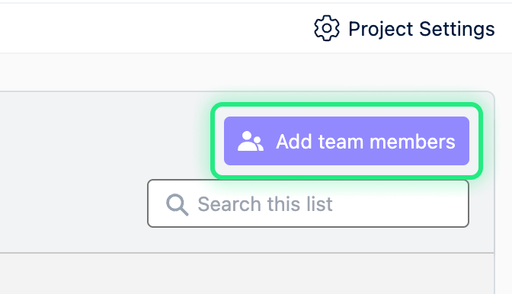
- To add a team member to a project, click on the “Add team members” button in the top right corner.
- Next, enter the email address of the member you’d like to add to this project, and click “Add”.
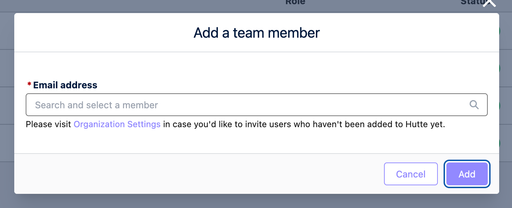
You can only add a member to a project this way if they are already a part of your Hutte organization.
To add a member to your Hutte organization, you’ll need to have Admin status in your organization and send them an invite through the Members tab on your organization’s main dashboard.