
General
Which Salesforce API version does Hutte use for various tasks?
- For tasks like Pull Changes and running your custom scripts, Hutte relies on the
sourceApiVersionproperty defined in your project'ssfdx-project.jsonfile. If this value is not specified, we default to the highest API version supported by the target org, in line with the Salesforce CLI default behavior. - For listing metadata changes in your org (e.g., when browsing changes), we use the latest API version that has been fully released to all Salesforce orgs—for example,
63.0for the Spring '25 release. Please note: There may be a short delay in adopting the latest version while we complete final QA after Salesforce rolls it out globally.
Org Strategy
Where does development happen when using Hutte?
Hutte simplifies and promotes the best practice of developing in short-lived, source tracked environments, such as Developer Sandboxes or Scratch Orgs. With Hutte’s unique Org pooling feature, accessing fresh development environments is faster and more convenient than ever.
Learn more about Org Pooling in Setting up Org Pooling
What does source tracking mean, and which Org types support it?
Source tracking helps developers keep track of changes made in their orgs (like creating a new field or updating an object). It acts like a record keeper, ensuring that every modification you make is noticed. This makes it easier to sync changes between your Sandbox/Scratch Org and Git from the Hutte UI.
To enable Hutte to track changes, the development environment must support source tracking. By Salesforce design, source tracking is only available in Scratch Orgs and Developer and Developer Pro Sandboxes, and is not supported in Partial Copy, Full Copy, or Production Orgs. To activate source tracking for your Developer Sandboxes, you must first enable source tracking in your Production Org.
Hutte can also be used for development in partial or full-copy Sandboxes, which do not require implementation efforts for data seeding. While these Sandboxes aren’t source-tracked, Hutte remains a powerful tool for fetching metadata changes, committing them to version control, and deploying them seamlessly. This functionality is accessible through the “All Metadata” browser on the “Pull Changes” screen.
What is the difference between Sandbox and Scratch org projects?
Scratch Orgs are temporary, source-tracked environments designed for agile, modular development and testing, with a Git repository as the source of truth. They enable developers to create fresh, tailored orgs and are ideal for rapid iteration. In contrast, Sandboxes are cloned environments used for larger-scale development, testing, and staging. While Scratch Orgs typically require more effort to set up when working with existing orgs with significant prior development, they excel in ISV development and new projects that are developed independently of existing customizations. Hutte supports both Sandbox and Scratch Org based development. The two can even be combined by using one Git repository and Salesforce Org, but two Hutte projects.
What is a typical Org Setup (Pipeline) looking like when using Hutte?
Hutte offers flexible pipeline configuration options. Learn more about a typical setup here.
Retrieving changes from Sandboxes
What can I do if a change I made in a Sandbox or Scratch Org doesn’t show up on the “Changes” Tab?
Some metadata changes, such as changes to “Org-Wide Defaults” (Sharing Settings), are not yet supported by Salesforce’s source tracking. As a workaround, you can use Hutte’s “All components” browser on the “Pull Changes” screen to fetch metadata with recent changes that haven’t been tracked.

Can I access changes previously made in a Sandbox, before I started a feature in Hutte?
You can achieve this by resetting the revision number of a Hutte Sandbox feature. This is described in detail here.
Working with Git version control
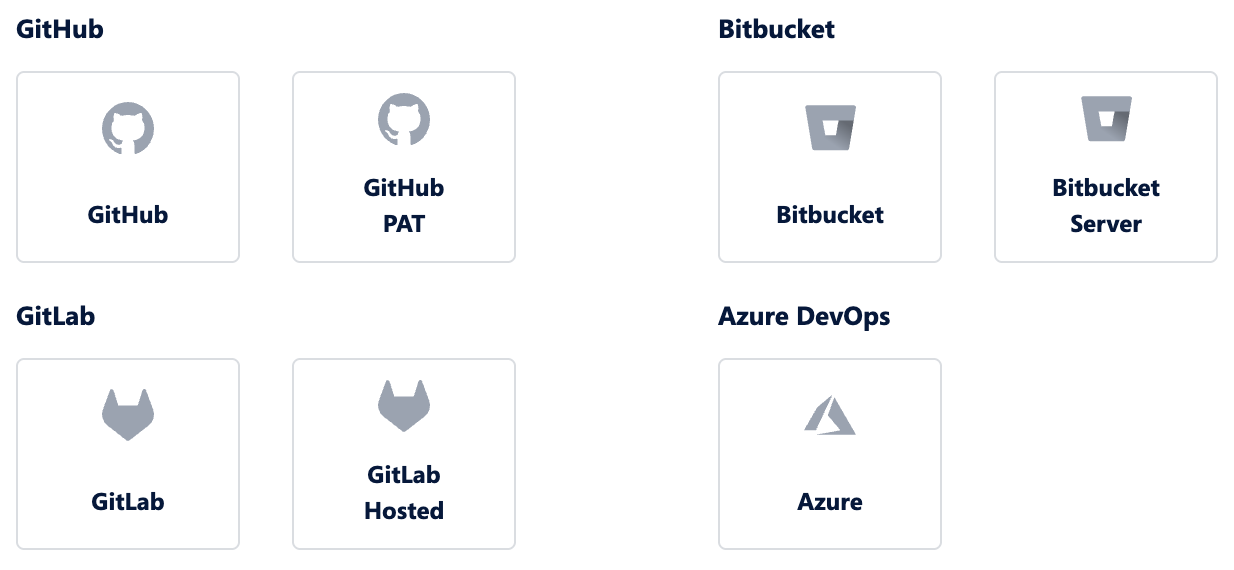
Which Git hosting providers does Hutte support?
Hutte supports the leading Git hosting providers in the market, catering to the needs of virtually all Salesforce teams.
Which branching strategy does Hutte recommend?
While Hutte supports various branching strategies, we are strong advocates of trunk-based development. Learn more about branching strategies for Salesforce development at Branching strategy
Which branches does Hutte create?
For every feature created with Hutte in a Sandbox or Scratch Org, Hutte creates a feature branch upon the user’s first commit, which can be initiated from the “Pull Changes” screen.
Learn more: Persisting changes in a Git commit
How to handle merge conflicts?
Merge conflicts in Git are the exception, not the norm, as Git is designed to efficiently manage and integrate changes made by multiple users simultaneously. Conflicts only occur when the same line of code or metadata is edited by different users in simultaneous work, requiring resolution using the conflict management tools provided by the Git host.
How can I populate my repository with all Metadata of a Salesforce Org?
To learn how to fetch all metadata from a Salesforce org, refer to Create and populate a Git repository for your project . Unlike fetching recent changes, which can be easily done through the Hutte UI, a full metadata fetch requires command-line tools. This is typically only necessary when initially adopting Git-based development.
Deployments
Where can I deploy to from Hutte?
Hutte allows deployments to any org connected by an Admin as a target org, provided the necessary deployment permissions have been granted to users. Orgs within the project can be selected as target orgs without additional authorization, while external orgs can also be connected as deployment targets. This is particularly useful when working in multi-org environments.
How to manage “back promotion” into Sandboxes used for development?
When working with short-lived, fresh environments, the need for back-promotion (also known as “back deployment” or “retro-fitting”) becomes less of a concern. Hutte's unique Sandbox pooling and built-in refresh scheduling ensure that Sandboxes reflecting the latest state of development are always available for building new features. Additionally, Hutte supports deploying entire releases or individual features to any org, further streamlining back-promotion workflows when needed.